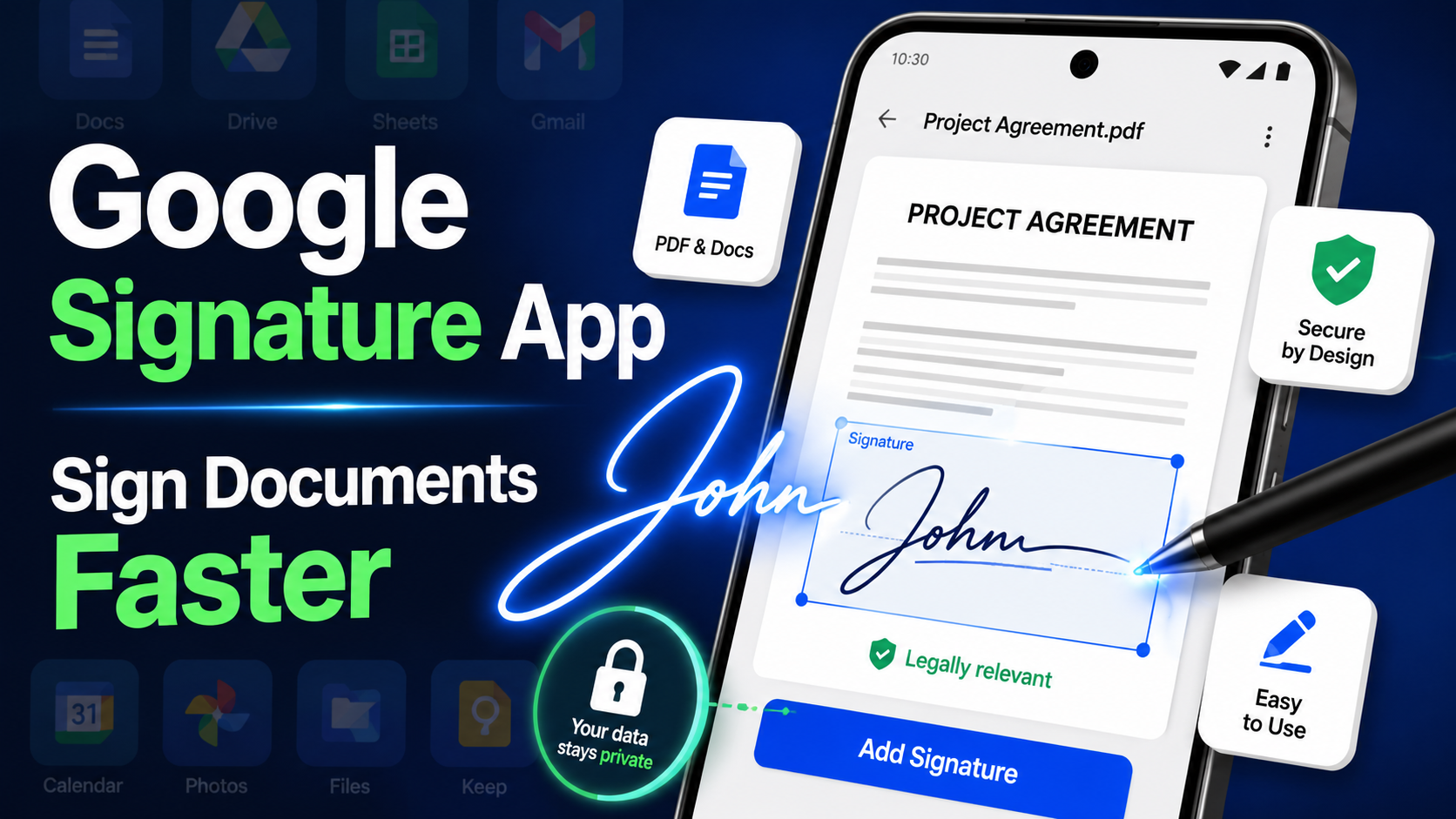
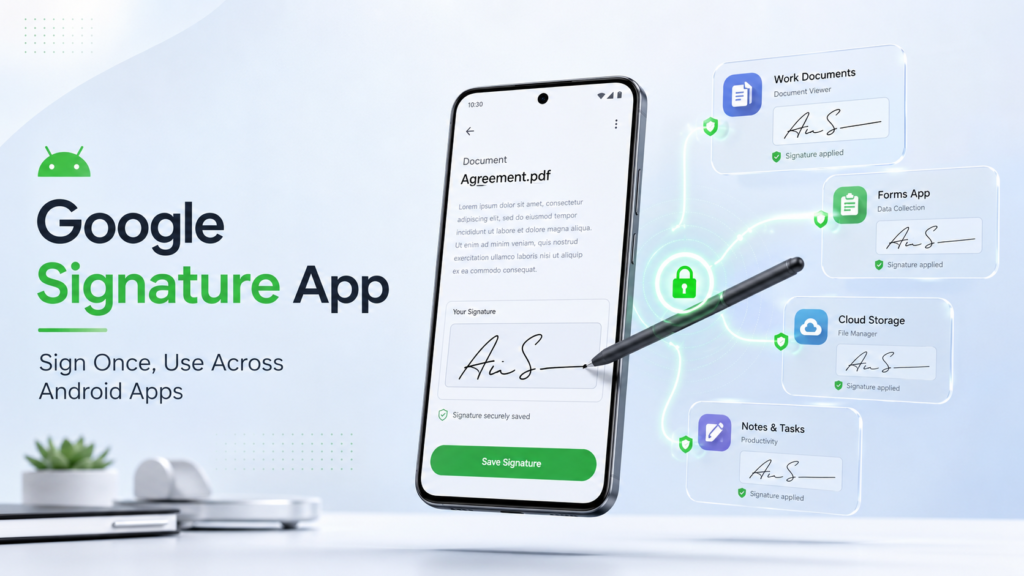
Google Signature app has started rolling out a native “Signatures” app to Android phones through the June 2026 Google Play system update. It stores your handwritten, typed, or photographed signature in one secure place, so any compatible app can pull it up instead of making you sign the same document over and over. It works on Android 12 and above, and you don’t need to download anything — if your phone has the update, the app is already sitting quietly in the background.
That’s the short version. Now let’s get into what this app actually does, which phones have it, how it stacks up against what Google already offers in Docs, and whether you should care right now.
What Is Google’s New Signature App?
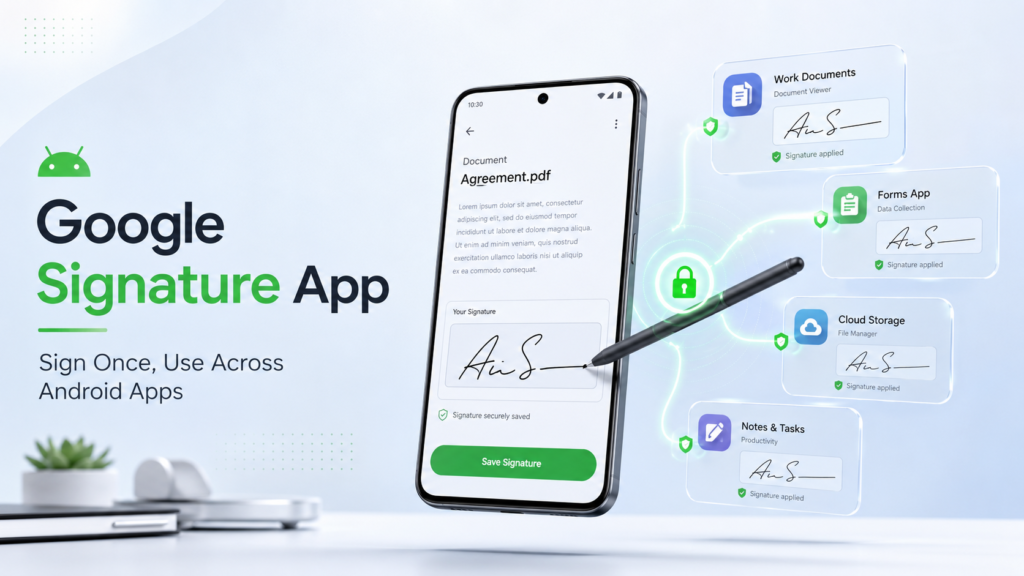
Google’s Signature app is a system-level tool that saves different versions of your signature and lets participating apps request them on demand. Think of it as a signature vault that lives inside Android itself, not inside any single app.
Signing things on a phone has always been a bit of a mess. You either hunt for a stylus, download a random PDF app you’ll never use again, or awkwardly draw your name with your thumb. According to Android Authority, Google is trying to fix this by baking a signature manager directly into the OS.
The app is called simply “Signatures,” and it’s built to work the way Android’s photo picker already does. When an app needs a photo, a small system window pops up so you can choose one without giving that app full access to your gallery. Signatures is designed to work the same way, just for your John Hancock instead of your camera roll.
How Does the Signature App Actually Work?
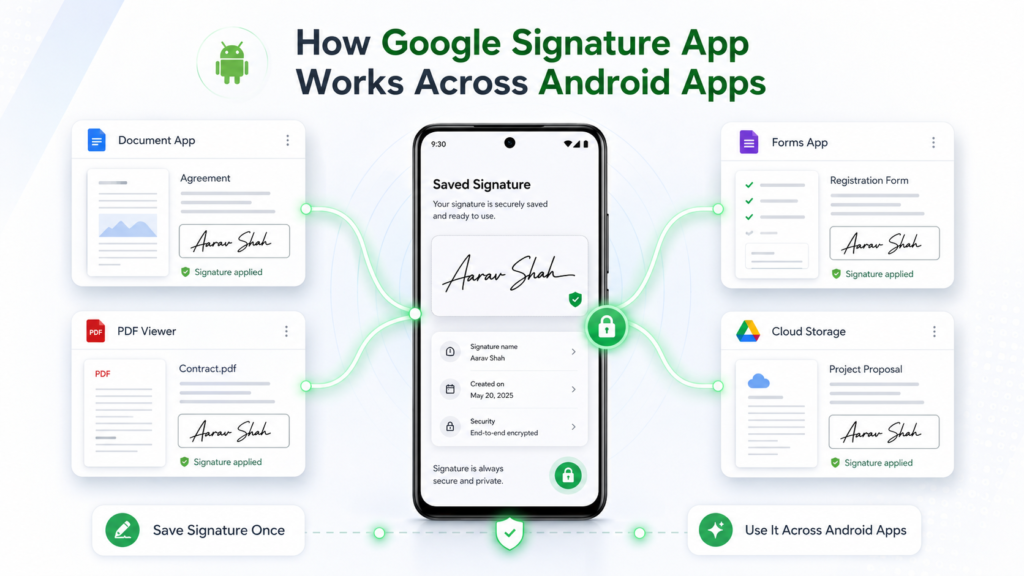
In practice, a compatible app opens a small pop-up window, you tap the signature you want, and it drops into the form. No re-drawing, no re-uploading, no digging through old emails for a scanned copy of your autograph.
Google intends the app to hold multiple saved versions, so you can keep a formal signature for contracts and a quick one for casual sign-offs. Android Authority’s teardown confirms the picker behaves like a “partial window,” similar to the photo and file pickers Android already uses elsewhere.
What Are the Three Ways to Create a Signature?
You get three input methods, and each one covers a different comfort level:
- Draw it — use your finger or a stylus to scribble your actual signature on the screen.
- Type it — enter your name and pick from several script-style fonts to generate initials or a stylized signature.
- Photograph it — snap a photo of a signature you’ve written on paper and upload it directly.
Android Headlines reports that once saved, these profiles live in a “secure management dashboard” where you can add, delete, or edit versions whenever you like.
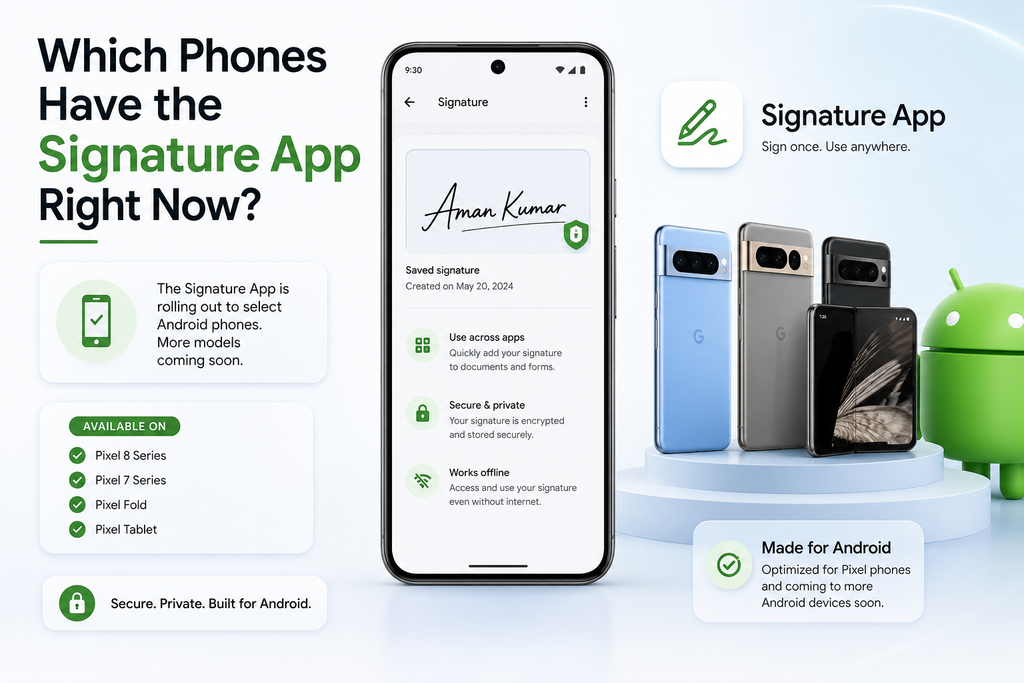
Which Phones Have the Signature App Right Now?
If your phone received the June 2026 Google Play system update, there’s a good chance it already has the app installed in the background — even though you won’t find it in your app drawer. Reporters have already spotted it on Pixel, Samsung, and OnePlus hardware.
9to5Google confirmed the app showing up on a Google Pixel 10 and a Samsung Galaxy Z Fold 7, with the Fold 7 picking it up right after installing the update. Android Authority separately found it running on a OnePlus 15, a OnePlus 13R, and a Google Pixel 9.
Coverage isn’t universal, though. 9to5Google also flagged an Oppo Find X9 Ultra that had the same June update installed but didn’t get the app at all, so rollout looks inconsistent for now. That’s fairly normal for a feature Google hasn’t even officially announced yet.
Because the app rides in on a Google Play system update rather than a full Android OS update, it doesn’t depend on your phone’s manufacturer pushing out new software. That’s actually one of the more interesting parts of this story — it’s how Google increasingly ships small system tools without waiting on Samsung, Xiaomi, or anyone else to catch up.
What Android Version Do You Need?
You need Android 12 or newer, since the app targets API level 31. That’s a low bar by 2026 standards, which means Google is clearly planning for broad, not niche, availability.
Android 12 launched back in 2021, and most active devices today run something newer than that. Given that Android powers roughly 3.9 billion active users worldwide and commands somewhere around 70–73% of the global mobile OS market according to recent estimates, a feature aimed at Android 12+ has an enormous potential audience the moment Google flips the switch for developers.
If you’re not sure which Android version your phone runs, you can check it in Settings, or use a tool like our phone specification finder to pull up your exact model’s specs and software details in seconds.
Why Doesn’t Every Phone Have It Yet?
Google Play system updates roll out in waves, not all at once, and individual manufacturers can also delay or block background components on their skinned versions of Android. That’s the simplest explanation for why an Oppo flagship missed it while a similarly recent OnePlus phone got it.
This isn’t the first time Google has done this. The Android photo picker followed a nearly identical path — it appeared quietly through Play system updates months before Google formally documented it for developers, and adoption across brands was uneven for a while. Signatures looks like it’s following the same playbook.
If your phone hasn’t gotten it yet, that doesn’t necessarily mean anything is wrong. It usually just means your device hasn’t received that specific Play system update slice, even if your Android version number looks current.
How Do You Check If You Already Have It?
Go to Settings > Security & privacy > System and updates > Google Play system update, then tap “Check for update.” If you’re already current, search your Settings app for “Google Play system update” to confirm the version.
Even after updating, you won’t see a new icon on your home screen — there’s no Play Store listing for this app at all, based on reporting from BGR. Right now, the only way most people are seeing it is by manually launching its activity shortcut through developer tools, which isn’t something the average user will bother doing.
In other words: it’s already on your phone, quietly waiting. You just can’t fully use it yet.
Is This Different from Google Docs’ eSignature Feature?
Yes, and it’s worth not mixing these up. Google Docs and Drive already have a built-in eSignature feature for Workspace subscribers, and it’s been live since late 2023. The new Signatures app is a separate, phone-wide system tool, not an extension of that Docs feature.
The Docs version lets you send a document out for signing, and it converts to a locked PDF once someone signs it — signers don’t even need a Google account to complete it. That feature stays inside Docs and Drive, and it’s restricted to paid Workspace accounts, not free Gmail users.
The new Signatures app works the opposite way. It’s not about sending contracts for approval — it’s about storing your own signature so you can insert it into any app that asks for one, whether that’s a delivery confirmation, a KYC form, or a lease. They solve related but different problems, and right now, only one of them (Docs) is fully functional end-to-end.
Signature App vs. Docs eSignature vs. DocuSign: What’s the Difference?
Here’s the quickest way to tell these three apart, since people keep mixing them up online:
| Tool | What it actually does | Who can use it | Cost |
|---|---|---|---|
| Google Signature app | Stores your signature; lets any compatible app request it | Any Android 12+ device with the June 2026 update | Free (unconfirmed by Google) |
| Google Docs/Drive eSignature | Sends a document out, tracks status, locks a signed PDF | Google Workspace Individual and business subscribers | Paid (part of Workspace) |
| DocuSign / Adobe Sign | Full legal signing workflow, audit trails, multi-party approval | Anyone, via subscription | Paid, tiered plans |
The takeaway: Google’s new app is the lightweight, personal-use layer. The other two are built for sending documents out to be signed by other people, with compliance and tracking baked in.
Why Is Google Building This Into Android Now?
Because signing something on an iPhone or iPad has always felt smoother than on Android, and Google appears to be closing that gap directly at the OS level rather than leaving it to app developers.
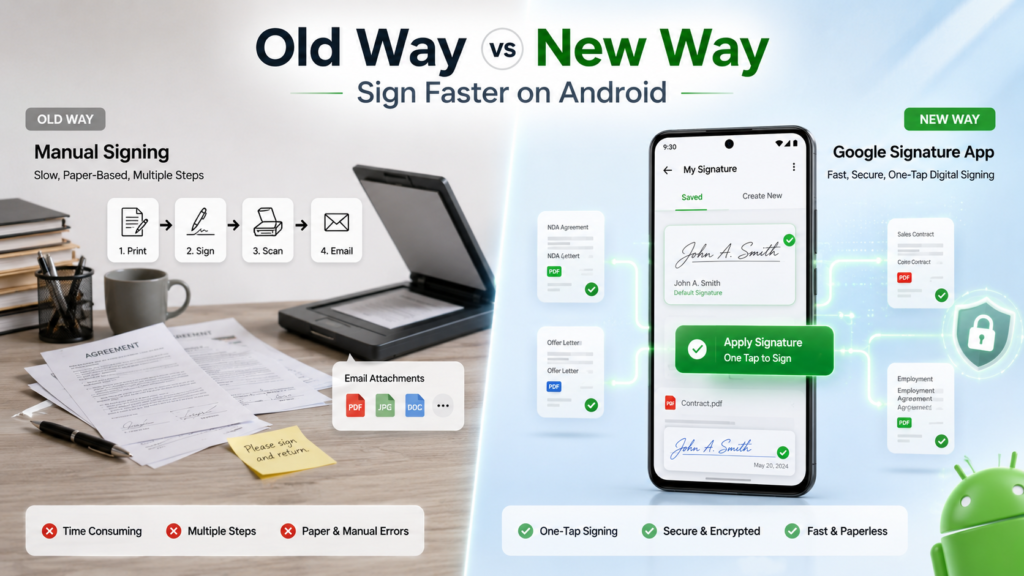
Apple devices with stylus support, and even ones without, have had relatively mature markup and signature tools inside Files and Mail for years. Android’s equivalent has mostly been a patchwork of third-party apps like Adobe Fill & Sign or various PDF editors — functional, but never built into the phone itself.
By putting a signature vault directly into the OS, Google removes the need for a dedicated app just to sign one form. It’s a small feature, but it fits Google’s broader pattern of quietly folding useful little utilities — like the photo picker or the file picker — straight into Android’s core, rather than leaving them to third parties.
What Are the Privacy and Security Concerns?
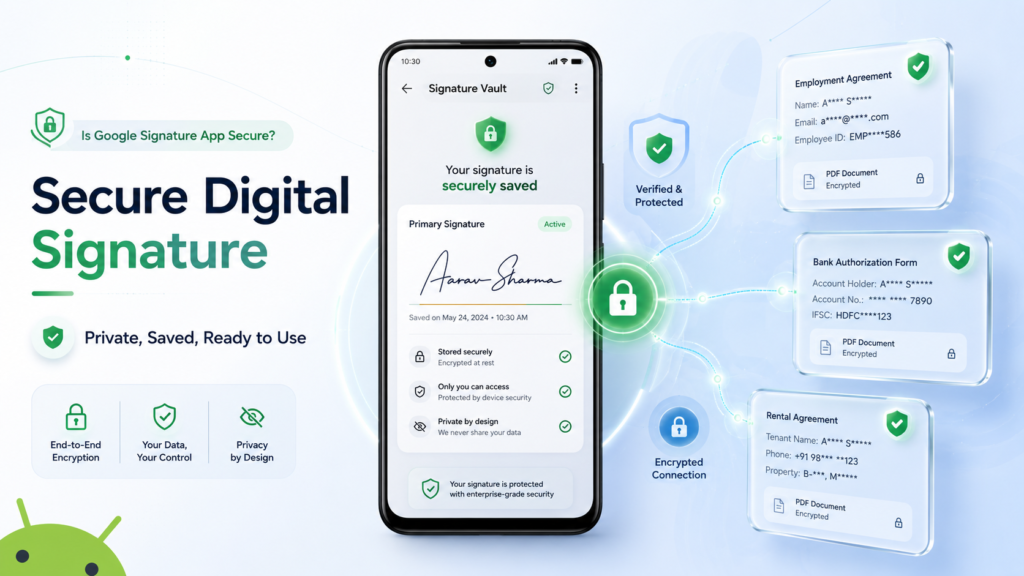
Storing your signature on your phone sounds risky at first, but the design mirrors how Android already handles sensitive personal data like photos and contacts through permission-scoped pickers. Apps don’t get raw access to your signature file — they request it through a controlled system window.
That said, a signature is a uniquely personal piece of data. Unlike a password, you can’t easily “reset” your handwriting if it leaks. Until Google publishes official documentation on how the app handles storage, encryption, and permissions, it’s reasonable to treat this the way you’d treat any new system vault — useful, but worth watching closely as more details emerge.
For now, the safest approach is simple: don’t rely on it for anything legally sensitive (contracts, notarized documents, loan paperwork) until Google confirms exactly how the feature is meant to be used by developers.
How Does This Compare to Signing Documents on iPhone?
Honestly, this is Android playing a bit of catch-up, and there’s nothing wrong with admitting that. iPhones and iPads have long supported drawing signatures directly into PDFs through the Markup tool in Files and Mail, no extra app required.
Samsung’s own Galaxy devices with S Pen support already make signing easy without any of this, since the stylus alone made freehand signing simple. SamMobile notes that this new app specifically helps devices “without an S Pen,” which is most Android phones sold today.
So this isn’t Google inventing something new — it’s Google standardizing a feature type that iPhone and Galaxy S Pen users have quietly enjoyed for years, and making it available to the other several billion Android phones that never had a stylus to begin with.
What Could This Mean for Third-Party Signature Apps?
If Google opens this up to developers broadly, apps that exist purely to store and insert a signature — small utility apps with a single job — may lose their reason to exist. Bigger platforms like DocuSign or Adobe Sign are less threatened, since they handle full contract workflows, audit trails, and legal compliance that a simple system vault doesn’t touch.
It’s a pattern Android has followed before. When Google added a native photo picker, it didn’t kill every gallery app, but it did remove the need for basic “pick and share a photo” utilities. Signatures looks likely to follow the same path — squeezing out the smallest, single-purpose apps while leaving full-featured platforms mostly untouched.
When Will Developers Be Able to Use the Signature App?
Nobody knows the exact timeline yet, including, apparently, some of Google’s own documentation team. Google hasn’t published developer guidance or officially announced the feature, even though it’s already running on real devices.
Multiple outlets, including Android Authority, have pointed out that the app was left out of the official June 2026 changelog entirely. That’s not unusual for Google — plenty of Android features get discovered through APK teardowns months before they’re formally switched on for developers.
Given the app is already live on consumer devices, an official announcement and developer API likely aren’t far behind. Until then, this remains a feature that technically exists but that no app can fully use yet.
Where Would You Actually Use This in Daily Life?
The most realistic early use case is KYC — the identity verification step banks, fintech apps, and telecom providers ask for when you open an account or activate a new SIM. Right now, most of those apps make you draw a signature from scratch every single time.
Delivery and logistics apps are another obvious fit. Anyone who’s ever had to sign for a package on a cracked, sweaty phone screen while balancing groceries will understand why a saved, ready-to-go signature matters. If you’re comparing phones specifically for delivery or gig work, our best phones for delivery drivers guide covers devices that handle this kind of daily app-switching well.
Rental agreements, insurance forms, and even school permission slips shared as PDFs could also benefit once developers start hooking into the feature. None of this is groundbreaking on its own — it’s just removing friction from something people already do constantly.
Should You Try It Today?
If your phone is running Android 12 or later and has the June 2026 Play system update, the underlying tool is already there — but there’s nothing meaningful to “try” yet, since no public apps currently call on it. Patience is the only real move right now.
What you can do is make sure your phone is updated so you’re ready the moment developers start supporting it. Check your update status in Settings, and keep an eye on release notes for your favorite banking, delivery, and productivity apps over the next few months.
If you’re shopping for a new phone and want one that’ll get fast access to features like this, checking a device’s software update policy matters more than ever. Our guide on upcoming phone launches in 2026 breaks down which manufacturers are fastest to ship these kinds of Google-driven updates.
Frequently Asked Questions
Is the Google Signature app available on the Play Store?
No. There is no Play Store listing at all. It arrives silently through the Google Play system update and runs as a background system app.
Does the Signature app cost anything?
Google has not announced pricing, and everything about it so far suggests it is a free, built-in Android feature rather than a paid add-on.
Will this replace DocuSign or Adobe Sign?
Unlikely. Those platforms handle full document workflows, legal audit trails, and multi-party signing. Google’s app is closer to a personal signature storage vault than a complete document platform.
Does this work with Google Docs’ eSignature feature?
Not currently. They appear to be built as separate tools. One lives inside Docs and Drive for Workspace users, while the other lives at the Android system level for broader app use.
What phones support it?
Any device on Android 12 or newer that has received the June 2026 Google Play system update may support it, though rollout has been inconsistent across brands so far.
Can I still use third-party signature apps once this launches?
Yes. Google is not blocking or removing existing apps like Adobe Fill & Sign. The new system tool simply gives developers another simpler option to build into their own apps.
Is it a separate download from the Play Store?
No. There is no standalone listing, so you cannot search for and install it manually. It arrives automatically with the Play system update.
Google’s new Signature app is a small, quiet fix for a genuinely annoying problem: signing things on a phone that isn’t an iPhone or a Galaxy with an S Pen. It’s already sitting on millions of devices, even if there’s nothing to actually do with it yet.
Given how Google tends to roll out these background utilities — slowly, without fanfare, then suddenly everywhere — it’s worth checking your update status now rather than waiting for an official announcement that might arrive later than the feature itself already has.
Want to know if your specific phone qualifies, or which upcoming models will get day-one support for features like this? Use our free phone specification finder to check your device, or browse our latest phone price and update coverage to plan your next upgrade around software support, not just specs on paper.