Pixel Density Calculator & Optimal Resolution Tool
Advanced PPI, dot pitch, viewing distance, and screen metrics for phones, monitors, TVs, and VR
Pixel Density Visualizer
Tighter dots = higher PPI
Formula Breakdown
Ultimate Guide to Pixel Density, PPI, and Screen Sharpness
Understanding pixel density (PPI) is crucial when choosing a smartphone, monitor, television, or any display. This advanced calculator gives you precise PPI, dot pitch, aspect ratio, and even recommends optimal resolutions based on viewing distance. Whether you’re comparing the latest iPhone or Samsung Galaxy, setting up a 4K workstation, or diving into VR, our tool provides the insights you need.
What is Pixel Density (PPI)?
Pixels per inch (PPI) measures the concentration of individual pixels within one linear inch of a screen. It directly correlates with image sharpness: higher PPI means more pixels packed into the same physical space, resulting in finer details and smoother edges. The term is often confused with dots per inch (DPI), but PPI is specific to digital displays, while DPI refers to printed output. Understanding this distinction is essential for photographers, designers, and anyone obsessed with visual fidelity.
How PPI Affects Your Daily Experience
From reading text to editing photos, PPI defines clarity. A display with a low PPI (below 90) can make fonts appear jagged, while a Retina‑class display (300+ PPI at phone distance) renders text as smooth as print. For gaming, a higher PPI reveals texture details that low‑density screens simply cannot show. For medical imaging and graphic design, accurate pixel density ensures that every pixel corresponds precisely to the intended output.
PPI vs. Resolution: Clearing the Confusion
Many people mistake resolution (e.g., 1920×1080) for sharpness, but resolution is only half the story. A 55‑inch 4K TV has a much lower PPI than a 6.7‑inch smartphone with the same 4K resolution. This calculator lets you input both resolution and screen size to instantly see the PPI, making it easy to compare devices of different sizes.
The Science Behind PPI Calculation
The formula is elegantly simple: PPI = √(Width² + Height²) / Diagonal (inches). First, the diagonal pixel count is derived using the Pythagorean theorem. That number is then divided by the physical diagonal length of the screen. Our tool performs this calculation in real time, also providing dot pitch (the distance between pixel centers, measured in millimeters) and total pixel count in megapixels.
What is Dot Pitch and Why Does It Matter?
Dot pitch is the inverse of PPI: it tells you the physical gap between pixels. A smaller dot pitch (e.g., 0.15 mm) indicates extremely tight pixel packing, which is typical of high‑end smartphones. Large monitors might have a dot pitch of 0.28 mm or more. The formula is Dot Pitch (mm) = 25.4 / PPI. Professionals often use dot pitch to determine the optimal viewing distance for large‑format displays.
Aspect Ratio: The Shape of Your Screen
The aspect ratio (width:height) influences how you perceive resolution. Common ratios include 16:9 (widescreen), 16:10 (productivity), 4:3 (classic), and ultrawide 21:9. Our calculator automatically simplifies the ratio and can even detect non‑standard formats.
Understanding Retina Displays
Apple coined the term “Retina display” to describe screens where individual pixels are indistinguishable at normal viewing distances. For iPhones, this threshold is roughly 300 PPI at 10‑12 inches. For MacBooks and iPads held farther away, the Retina standard drops to about 220 PPI. This calculator helps you determine whether any given screen qualifies as Retina‑class.
Optimal PPI for Different Devices
- Smartphones: 400‑500 PPI is now common; anything above 300 is considered sharp.
- Laptops: 200‑250 PPI offers crisp text without scaling issues.
- Desktop Monitors (24‑27″): 90‑110 PPI is standard; 140‑160 PPI is ideal for photo editing.
- 4K Monitors (27‑32″): 140‑163 PPI provides incredible detail.
- Televisions (55‑85″): 40‑80 PPI is typical because of the large viewing distance.
- VR Headsets: 600‑1200 PPI is needed to eliminate the screen‑door effect.
Viewing Distance and PPI: The Hidden Relationship
The perceived sharpness of a display depends heavily on viewing distance. A 32‑inch 1080p TV may look pixelated up close but perfectly fine from 6 feet away. Our second calculator mode uses the visual acuity formula to recommend a minimum resolution for a given screen size and viewing distance. Simply enter the diagonal, distance, and desired PPI threshold, and it tells you the ideal width and height in pixels.
How to Use the Optimal Resolution Mode
Switch to “Optimal Resolution” mode. Input your screen diagonal, typical viewing distance, and the PPI you consider sharp (e.g., 300 for a phone, 200 for a monitor). The tool calculates the required resolution to achieve that PPI. This is invaluable when planning a home theater or deciding between 1440p and 4K for a gaming monitor.
PPI and Gaming: Why It Matters
Competitive gamers often prioritize high refresh rates over sheer PPI, but a balance is key. A 24‑inch 1080p monitor (~92 PPI) is popular for esports, while a 27‑inch 1440p (~109 PPI) offers a sharper image without as much GPU strain as 4K. Our calculator lets you quickly compare PPI across common gaming setups.
PPI for Graphic Design and Photography
Designers need displays with a PPI that matches print output as closely as possible. A 27‑inch 4K monitor (~163 PPI) allows you to see a full‑page layout at a realistic size. Many professionals calibrate their screens to 100% scaling so that PPI directly mirrors the physical dimensions of printed work.
Mobile Phone PPI Comparison (2025 Flagships)
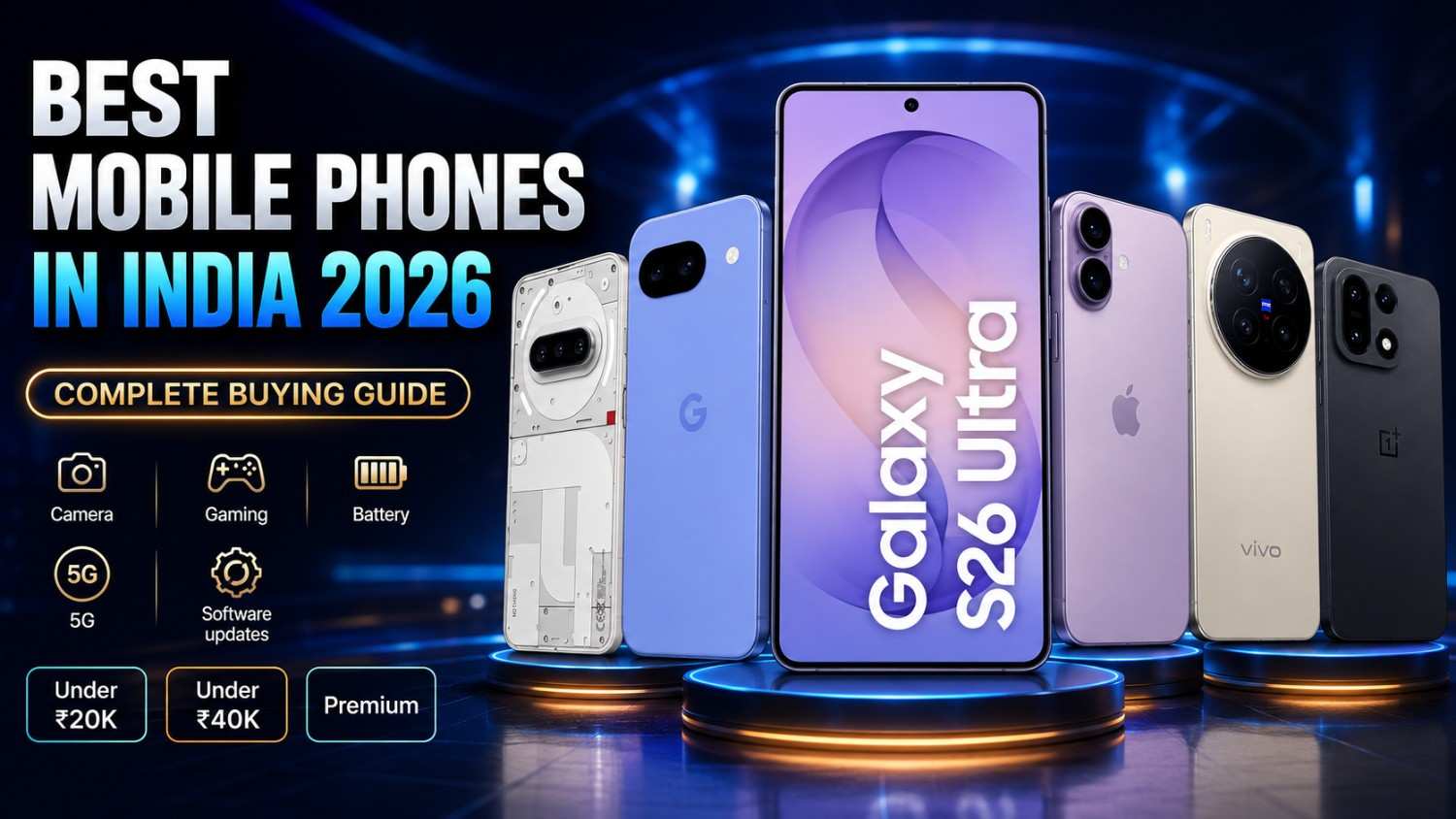
Use our presets to compare the latest devices: iPhone 15 Pro Max (460 PPI), Samsung Galaxy S24 Ultra (500 PPI), Google Pixel 8 Pro (489 PPI), OnePlus 12 (510 PPI). Even a small PPI difference can affect text clarity and image smoothness.
TV PPI: Why Size Matters More Than Resolution
A 55‑inch 4K TV has only about 80 PPI, yet it looks spectacular from a normal seating distance. This underscores that viewing distance is just as important as raw pixel density. Our viewing‑distance mode helps you choose the right resolution for your living room.
PPI in Virtual Reality (VR)
VR headsets place screens inches from your eyes, demanding PPI values of 500‑1000 to avoid visible pixels. The Pimax Crystal (2880×2880 per eye, ~1200 PPI) sets a new standard. Use our calculator to see how far consumer VR has come.
Dot Pitch Deep Dive
Dot pitch is critical for large‑format LED walls and digital signage. A typical outdoor LED billboard might have a dot pitch of 10‑20 mm, while fine‑pitch indoor LEDs go as low as 0.9 mm. The relationship PPI = 25.4 / dot pitch (mm) allows easy conversion.
How PPI Interacts with Operating System Scaling
Windows and macOS use UI scaling to make elements readable on high‑PPI screens. Without scaling, a 4K 27‑inch monitor would render tiny text. Understanding your screen’s PPI helps you choose the correct scaling percentage (e.g., 125%, 150%) for optimal comfort.
Future of Display Technology: Beyond 8K
As 8K TVs and microLED displays emerge, PPI will continue to rise. However, the law of diminishing returns applies: beyond a certain density, the human eye cannot perceive further sharpness at a given distance. Our calculator helps you determine the practical limit for your setup.
Common PPI Myths Debunked
Myth: “More PPI always means better.” Reality: A 4K phone screen with 800 PPI offers negligible visual improvement over a 500 PPI screen, while draining battery faster. Context and distance are everything.
Frequently Asked Questions (Expert Level)
What is a good PPI for a laptop?
For 13‑15 inch laptops, 200‑250 PPI strikes the ideal balance between sharpness and battery life. Ultrabooks often exceed 250 PPI for a premium feel.
Can I calculate PPI from screen size and resolution manually?
Yes. Use the formula: √(W²+H²) / diagonal (inches). For example, a 1920×1080 24‑inch monitor: √(1920²+1080²)=2202.9 px; 2202.9 / 24 = 91.8 PPI.
What is the PPI of an 8K 85‑inch TV?
An 8K resolution (7680×4320) on an 85‑inch diagonal yields about 103 PPI — sharper than a 4K 55‑inch TV (80 PPI) but still modest compared to phones.
How does PPI relate to font size in web design?
CSS pixel units are abstracted from physical pixels. A higher PPI device may use 2x or 3x asset scaling, ensuring fonts appear crisp regardless of density.
Is there a maximum PPI the human eye can detect?
At a typical 12‑inch viewing distance, the eye resolves about 300‑350 PPI. Beyond 500 PPI, differences are nearly imperceptible for most people.
Conclusion
Pixel density is a fundamental metric that bridges the gap between resolution and physical screen size. Whether you’re buying a new phone, building a gaming rig, or designing a digital signage wall, our Pixel Density Calculator gives you instant, accurate, and actionable data. Bookmark this page and use it whenever you need to compare displays or optimize your viewing experience.