Official Notice from Apple and AT&T
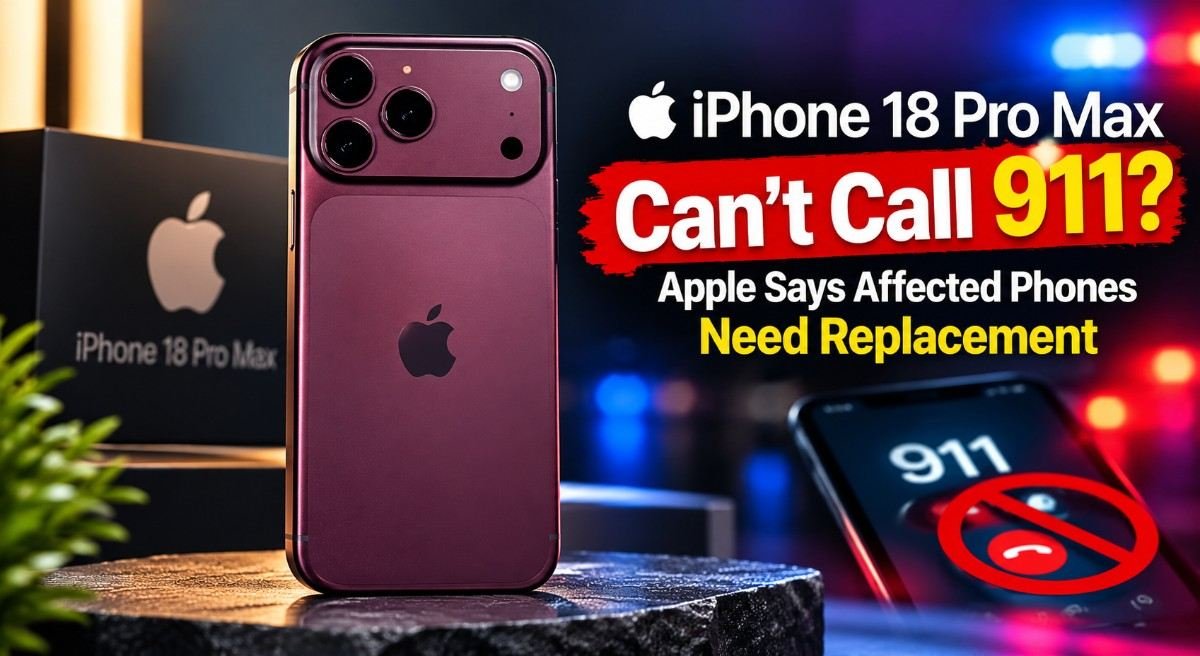
Apple has issued a formal statement confirming the issue and outlining replacement eligibility. AT&T has sent a direct advisory to affected customers on its network. Both companies are urging iPhone 18 Pro Max owners to update immediately.
— Apple official statement, published via ZDNET and CNET
— AT&T customer advisory text message, October 2, 2026. See AT&T Support and MacRumors reporting
For official software update guidance, visit Apple Support. For carrier settings and network support, visit AT&T Support.
Quick Answer
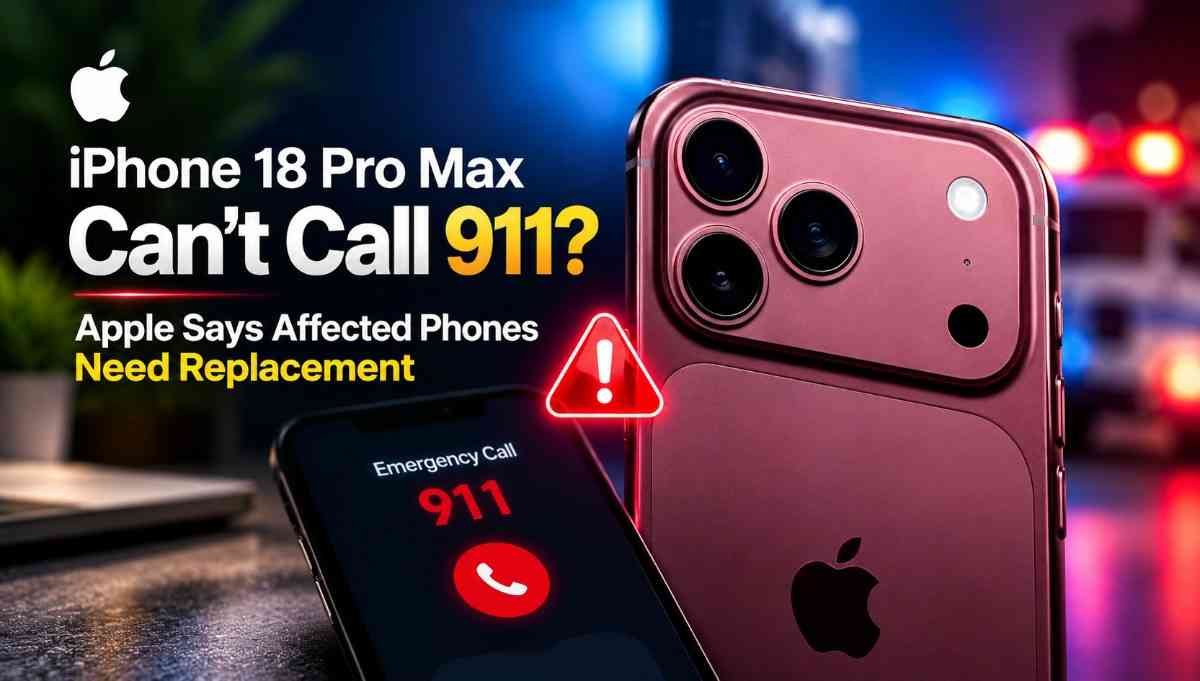
Apple has confirmed a cellular connectivity problem affecting a small number of iPhone 18 Pro Max units on AT&T in the US. Affected phones can unexpectedly enter SOS mode and may be unable to make calls, send texts, or use cellular data. AT&T has warned that 911 calls may also fail.
Apple says iOS 27.0.1 and a carrier settings update are intended to prevent the issue on phones that haven’t failed yet. If a phone has already lost cellular service, Apple says software cannot restore it — those units may need to be replaced.
iPhone 18 Pro Max Issue — Current Status
Last checked: October 5, 2026| Apple response | Acknowledged |
| Affected carrier | AT&T US |
| Software prevention | iOS 27.0.1 + carrier update |
| Already-failed devices | Replacement may be required |
| Root cause | Not publicly disclosed |
| Affected-device count | Not disclosed |
Could Your iPhone 18 Pro Max Be Affected? 60-Second Check
Run through these five questions. If all five match, contact Apple Support about your device.
- Is it an iPhone 18 Pro Max? Check Settings > General > About.
- Is it a US model? The affected configuration is the US variant.
- Are you using AT&T? This is the only carrier with confirmed reports.
- Does the phone show SOS instead of signal bars? Look at the top-right corner of your screen.
- Can you make a normal cellular call with Wi-Fi turned off? Turn off Wi-Fi and try dialing a regular number.
If all five match, contact Apple Support or visit an Apple Store to arrange a replacement. Software updates will not restore service on a phone that has already failed. Learn more at Apple Support.
What You Should Do Right Now
The right action depends on whether your iPhone 18 Pro Max is still working or has already lost service.
If your phone is still working
- Install iOS 27.0.1 via Settings > General > Software Update.
- Check for the carrier settings update under Settings > General > About.
- Restart the phone after both updates.
- Test cellular calling and data with Wi-Fi turned off.
If your phone is stuck in SOS
- Don’t assume another software update will restore service.
- Contact Apple Support directly.
- Ask specifically about replacement eligibility.
- Back up your data before handing the phone over.
Latest Update
October 5, 2026: Apple continues to recommend iOS 27.0.1 and the carrier settings update for iPhone 18 Pro Max users on AT&T. Devices that have already lost cellular connectivity may require replacement. Apple has not publicly disclosed the exact root cause or the number of affected devices.
October 2, 2026: AT&T sent an advisory text to affected customers warning that some phones may be unable to complete calls, texts, or data — including to 911. Reported by ZDNET.
October 1, 2026: Apple released iOS 27.0.1 and began issuing a carrier settings update intended to prevent the issue from occurring. See TechRepublic.
How We Verified This Report
- Apple Official statements provided to CNET, ZDNET, and MacRumors confirming the issue and replacement policy.
- AT&T Customer advisory text message and spokesperson communications. See AT&T Support.
- Independent reporting CNET, ZDNET, MacRumors, Trusted Reviews, TechRepublic, PCMag / Yahoo Tech.
- Hardware analysis iFixit teardown identifying modem and antenna differences; TechInsights analysis.
- User reports Apple Support Community, Reddit, and MacRumors Forums — used only to identify recurring symptoms, not as factual confirmation.
- Unknown Exact number of affected devices and confirmed root cause remain undisclosed.
Who Is Affected by the iPhone 18 Pro Max Issue?
Based on Apple’s official statements, AT&T’s advisory, and independent reporting, the affected group is narrow but specific:
- US iPhone 18 Pro Max models purchased in the United States.
- On AT&T’s network — this is the only carrier where the issue has been confirmed.
- A “small number” of units, per Apple’s own description. Apple has not disclosed an exact figure.
- Symptoms may be intermittent at first, then become permanent on affected units.
No comparable issue has been confirmed for T-Mobile or Verizon customers, for the international iPhone 18 Pro Max, for the standard iPhone 18 Pro, for the iPhone Duo, or for other iPhone 18 models at this time. See CNET’s report confirming that T-Mobile and Verizon are not seeing similar reports.
The US iPhone 18 Pro Max is the only new iPhone model that uses Qualcomm’s Snapdragon X80 modem. Every other iPhone 18 model — including the international Pro Max — uses Apple’s in-house C2 modem. That hardware difference is a key reason attention has focused on the US model. Read the full hardware analysis from iFixit and Trusted Reviews.
What Apple Has Confirmed — and What Remains Unknown
This is a developing story. To keep it clear, here’s a direct breakdown of what is confirmed, what is reported, and what remains unknown. Our source hierarchy follows Apple’s official statements, AT&T’s customer advisory, and independent reporting from ZDNET.
Confirmed vs Reported vs Unknown
| Statement | Status |
|---|---|
| Some iPhone 18 Pro Max units are affected | Confirmed |
| AT&T customers can experience cellular failure | Confirmed |
| 911 calls may fail on affected devices | Confirmed |
| iOS 27.0.1 is intended to prevent the issue | Confirmed |
| A carrier settings update is being issued | Confirmed |
| Already-affected phones may require replacement | Confirmed |
| US iPhone 18 Pro Max uses a Qualcomm X80 modem | Reported |
| iFixit found a new mmWave antenna in the device | Reported |
| Modem/network/antenna interaction may be involved | Theory |
| Exact root cause | Not disclosed |
| Exact number of affected devices | Not disclosed |
Apple has not used the word “recall” in any public statement about this issue. The company has described it as an issue affecting a small number of units and has offered replacement for devices that have already lost cellular connectivity. For more detail, see ZDNET’s interview with Apple and TechRepublic’s coverage.
Exactly What Happens When the Phone Enters SOS Mode
For affected users, the failure follows a recognizable progression. Here’s what the experience looks like:
Some users report seeing full signal bars before the phone suddenly drops into SOS mode. The failure appears to be intermittent at first, then becomes permanent for affected units. This pattern was widely described in the MacRumors forums and on the Apple Support Community before Apple issued its statement.
Once the phone is in this state, Wi-Fi calling can keep you connected for regular calls and texts as long as you’re on a Wi-Fi network. But Wi-Fi calling should not be treated as a substitute for a reliable cellular emergency connection — see our 911 safety section below.
911 Safety: What Affected Owners Need to Know
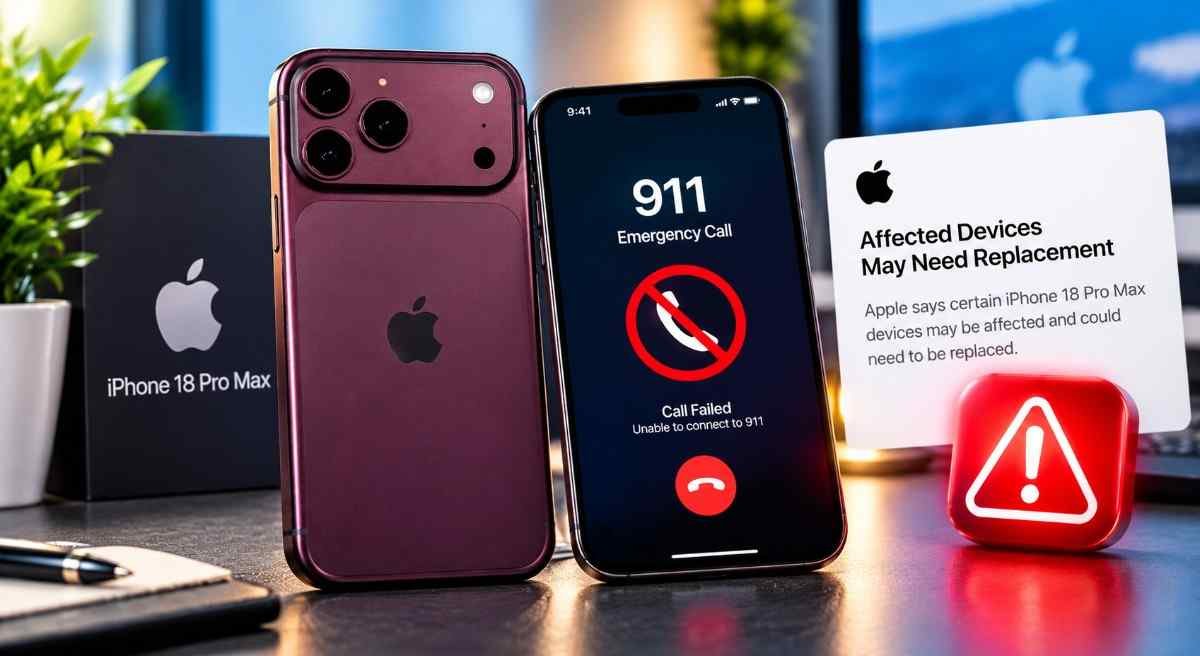
The 911 warning is what turned this from a connectivity annoyance into a potential emergency-safety issue. Here’s what affected owners should understand, based on AT&T’s customer advisory and Apple’s official guidance.
Emergency Calling Safety
- Why cellular matters for emergency calls. Emergency services rely on cellular networks to locate and connect callers. When a phone enters SOS mode, it may not be able to establish the connection needed to reach 911.
- What SOS indicates. SOS mode means your phone cannot connect to your carrier’s cellular network. It may still be able to connect to other carriers’ networks for emergency calls in some situations, but this is not guaranteed.
- Wi-Fi calling is not a guaranteed substitute. Wi-Fi calling can handle regular calls, but its reliability for emergency 911 calls depends on the carrier and network configuration. Do not treat Wi-Fi calling as a reliable emergency fallback.
- If you have an emergency and your iPhone cannot connect, use another available phone — a landline, a neighbor’s phone, or any other working mobile device — to call 911.
- If your phone is affected, get it replaced. Do not rely on workarounds for emergency safety.
Apple and AT&T have both said affected devices may require replacement specifically because software cannot restore cellular connectivity once it has been lost. For further reading on emergency calling standards, see the FCC’s 911 Wireless Services guide.
Why Software Updates Can’t Fix an Already-Affected iPhone 18 Pro Max
This is the part that surprised many owners. When a phone has a problem, the instinct is to wait for a software patch. That works for most modern tech issues. This one is different.
Apple’s own guidance — that affected units may require replacement — indicates that the failure happens at a level that a software update cannot reach. The iOS 27.0.1 and carrier settings updates are intended to prevent the failure from occurring, not to reverse it after it happens.
If the phone has already dropped cellular service and is stuck in SOS mode, those updates will not restore connectivity. That is why Apple is offering replacements for affected units rather than a fix. See TechRepublic’s report and Trusted Reviews for further confirmation.
Important: Don’t Waste Time on Repeated Troubleshooting
eSIM replacements, network resets, and repeated store visits have not restored service for affected units, according to Apple Support Community user reports. If your iPhone 18 Pro Max is already stuck in SOS mode and cannot make calls, the appropriate next step is to contact Apple Support directly about replacement eligibility.
Replacement vs Repair: What Apple Is Actually Offering
There’s an important distinction here: prevention and recovery are not the same thing. Apple’s updates can help prevent the issue. They cannot repair a phone that has already failed.
| Option | Expected Result |
|---|---|
| iOS 27.0.1 update | Prevents issue on eligible working devices |
| Carrier settings update | Helps prevent failure |
| Restart | May not resolve affected hardware |
| Network reset | Not a confirmed permanent fix |
| eSIM replacement | Not a confirmed solution for affected hardware |
| Apple replacement | Apple’s route for affected devices |
Apple has confirmed to multiple outlets — including CNET and ZDNET — that affected iPhone 18 Pro Max owners will receive a free replacement phone. The company is treating this as a hardware issue that software cannot resolve for phones that have already lost service.
How to Get a Replacement for an Affected iPhone 18 Pro Max
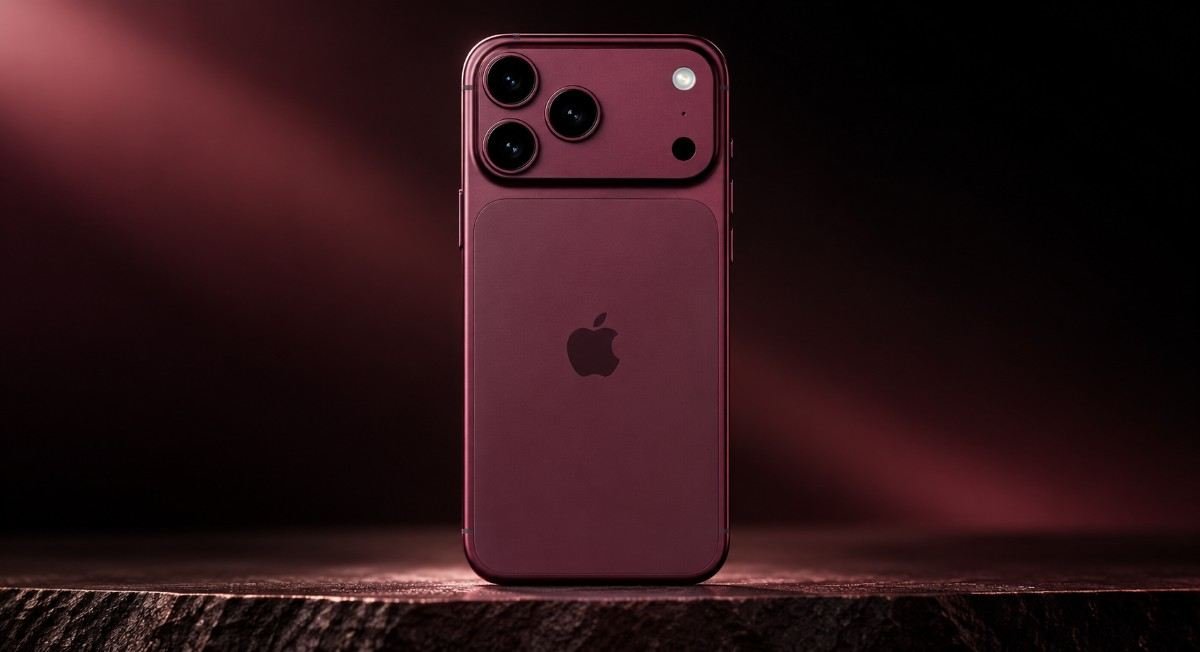
Option 1: Contact Apple Support directly (recommended)
This is the most reliable route. Apple has acknowledged the issue internally, and its support teams are equipped to handle replacements. Use the Apple Support website, the Apple Support app, or call Apple Support. Explain that your iPhone 18 Pro Max has lost cellular connectivity on AT&T and that you’re aware Apple is offering replacements for affected units.
What to say: “My iPhone 18 Pro Max is stuck in SOS mode and can’t make calls, including 911. I understand Apple is replacing affected units. I’d like to start that process.”
Option 2: Visit an Apple Store
Walk into any Apple Store and speak to a Genius. Bring your iPhone 18 Pro Max and proof of purchase. Apple Stores have been processing replacements, though wait times may vary by location and stock. You can find your nearest store via Apple’s retail locator.
Option 3: Visit an AT&T store (backup)
AT&T has said customers can visit an Apple or AT&T store for support. Some customers have reported being declined at AT&T stores when requesting a replacement under warranty. If that happens, going directly to Apple Support is the more reliable route. You can reach AT&T support via AT&T Support.
What About Your Data Before Replacement?
Being told your phone needs to be replaced immediately raises the next question: what happens to your photos, messages, eSIM, and saved accounts? Here’s how to prepare, following Apple’s official backup guidance.
Back up your iPhone first
- Back up to iCloud. Go to Settings > Apple Account > iCloud > iCloud Backup and tap “Back Up Now.” Wait for it to complete.
- Confirm the backup finished. Check the timestamp under iCloud Backup to make sure the most recent backup is from today, not last week.
- Make an encrypted local backup if you have a Mac or PC. An encrypted backup preserves saved passwords and health data that a standard backup may not include.
- Save your recovery information. Make sure your Apple Account recovery methods, two-factor authentication, and any authenticator apps are accessible from another device.
- Check your eSIM situation. eSIMs may need to be re-provisioned on a replacement device. Contact AT&T or Apple for the correct steps for your account before you hand the phone over.
- Back up WhatsApp separately if you use it heavily. WhatsApp chats are not covered by a standard iCloud backup unless WhatsApp’s own backup is enabled.
- Do not erase the phone yourself. Wait for Apple’s instructions before erasing the device. You want the phone in the state that proves the issue at the time of replacement.
Apple Pay, Find My, and your Apple Account sign-in will transfer to a replacement device when you set it up — provided your iCloud backup is current and your account is signed in properly.
iPhone 18 Pro Max Issue Timeline
What Might Be Causing the Problem
Apple has not publicly disclosed the root cause. Here’s what’s confirmed, reported, and theorized so far, based on iFixit’s teardown and reporting from Trusted Reviews.
Confirmed
Apple has acknowledged the issue and confirmed that affected units require replacement rather than a software fix.
Reported
The US iPhone 18 Pro Max is the only new iPhone model using Qualcomm’s Snapdragon X80 modem. Every other iPhone 18 model — including the international Pro Max — uses Apple’s C2 modem. A teardown by iFixit also identified a new millimeter-wave antenna in the device.
Theory
The most widely discussed theory involves an interaction between the X80 modem, the new mmWave antenna, and AT&T’s network configuration. It could involve a modem firmware state that software updates cannot recover from. Neither Apple, Qualcomm, nor AT&T has confirmed this theory.
| Component | US iPhone 18 Pro Max | International iPhone 18 Pro Max | iPhone 18 Pro |
|---|---|---|---|
| Modem | Qualcomm Snapdragon X80 | Apple C2 | Apple C2 |
| mmWave antenna | New design (per iFixit) | Standard | Standard |
| Affected? | Yes (on AT&T) | No confirmed reports | No confirmed reports |
What Apple Hasn’t Told Us Yet
In a developing story, knowing what remains unanswered is as important as knowing what’s been confirmed. Here’s what Apple and AT&T have not disclosed as of October 5, 2026.
| Question | Current Answer |
|---|---|
| Exact number of affected iPhones | Not disclosed |
| Exact root cause | Not disclosed |
| Why AT&T is affected | Not fully explained |
| Why some devices fail and others don’t | Unknown |
| Whether other carriers could be affected | Not confirmed |
| Whether a future update can recover failed devices | Not confirmed |
We’ll update this section if Apple or AT&T provide new information. In the meantime, Apple’s official position can be monitored at Apple Support, and AT&T’s customer advisories at AT&T Support.
Could Other iPhone 18 Models Be Affected?
This is the natural question for anyone who owns an iPhone 18 Pro, iPhone Duo, or another iPhone 18 model. Here’s what the current evidence supports.
At present, the reported issue is associated with US iPhone 18 Pro Max units on AT&T. There is no confirmed evidence in this article that the same failure affects other iPhone 18 models or carriers. That could change if Apple or carriers identify additional affected configurations.
Apple has said it has only observed the issue on the iPhone 18 Pro Max using AT&T. CNET reported that contacts at T-Mobile and Verizon are not seeing similar reports on their networks.
The standard iPhone 18 Pro uses Apple’s C2 modem rather than the Qualcomm X80 modem, which is a key hardware difference between the two models. If the issue is related to the X80 modem, that would explain why the iPhone 18 Pro has not shown the same failure. But Apple has not confirmed the root cause. See Trusted Reviews and MacRumors for additional context.
Sources & References
- PrimaryApple Support — Official software update and replacement guidance for affected iPhone 18 Pro Max users.
- PrimaryAT&T Support — Customer advisory text message and carrier settings guidance.
- ReportingCNET — Apple confirms free replacement for affected iPhone 18 Pro Max units.
- ReportingZDNET — AT&T’s urgent update guidance and Apple’s official statement.
- ReportingMacRumors — AT&T’s full statement and carrier settings update details.
- ReportingTechRepublic — Apple’s confirmation that affected units must be replaced.
- ReportingTrusted Reviews — Details on the modem and antenna differences.
- ReportingPCMag / Yahoo Tech — Apple’s statement to PCMag and user experiences.
- HardwareiFixit — Teardown findings on the iPhone 18 Pro Max hardware.
- ReferenceFCC — 911 Wireless Services — Official guidance on emergency calling over cellular networks.
- User reportsApple Support Community, Reddit, and MacRumors Forums — Used only to identify recurring symptoms and troubleshooting outcomes.
Frequently Asked Questions
Reports and current statements indicate the issue is limited to US iPhone 18 Pro Max devices using AT&T. International versions of the iPhone 18 Pro Max use Apple’s C2 modem, and no comparable issue has been confirmed for other iPhone 18 models at this time. See CNET for the original report.
iOS 27.0.1 and the carrier settings update are intended to prevent the issue from occurring. If your iPhone 18 Pro Max has already lost cellular connectivity and can’t make calls, those updates will not restore service. Affected units may require a replacement. See ZDNET.
The clearest sign is SOS mode appearing in your status bar instead of signal bars. You may also be unable to make calls, send texts, or use mobile data while on AT&T. Wi-Fi will still work. Some users report full signal bars before the phone suddenly drops to SOS mode.
Apple has confirmed to multiple outlets that affected iPhone 18 Pro Max owners will receive a free replacement. Contact Apple Support directly or visit an Apple Store. Some customers report being declined at AT&T stores, so going through Apple is the more reliable route.
Update immediately. Install iOS 27.0.1 and check for the carrier settings update under Settings > General > About. Apple and AT&T say these updates together are meant to prevent the issue. Do this even if your phone seems fine right now. See Apple Support.
No comparable issue has been confirmed for the standard iPhone 18 Pro at this time. The iPhone 18 Pro uses Apple’s C2 modem, which differs from the Qualcomm Snapdragon X80 modem used in the US iPhone 18 Pro Max. See Trusted Reviews.
Wi-Fi calling can keep you connected for regular calls and texts as long as you’re on Wi-Fi. But it may not reliably support emergency 911 calls the same way a cellular connection does. If your phone is affected, do not treat Wi-Fi calling as your safety net. Get the phone replaced. See the FCC’s 911 guidance.
Apple has not publicly disclosed the root cause. Reporting indicates the US iPhone 18 Pro Max uses Qualcomm’s Snapdragon X80 modem, while international models use Apple’s C2 modem. A teardown by iFixit also revealed a new millimeter-wave antenna. Neither Apple nor AT&T has linked either component to the failures.
At present, the reported issue is associated with US iPhone 18 Pro Max units on AT&T. There is no confirmed evidence that the same failure affects other iPhone 18 models or carriers. That could change if Apple or carriers identify additional affected configurations.
What to Take Away
If you own a US iPhone 18 Pro Max on AT&T, update to iOS 27.0.1 and install the carrier settings update now — even if your phone is working. If your phone has already dropped to SOS mode and can’t make calls, contact Apple Support about replacement. Wi-Fi calling is not a substitute for a working cellular emergency connection.
We’ll update this page as Apple and AT&T release new information. For ongoing official updates, check Apple Support and AT&T Support.
More iPhone 18 Coverage
Detailed guides on iPhone 18 models, specifications, and troubleshooting.
View iPhone 18 Guides